Document Type | Technical Information
Category | Administration
Applicable Product Version | Tibero 6
Document Number | TADTI077
Overview
When editing a JOB in tbadmin, if a query containing single quotes (’) is written in the What to execute field, an error may occur.
NoteThe environment used was Tibero version 6.0.25.
Method
Comparison of Generated JOB Scripts
When specifying the JOB execution target as a query in Tbadmin, if there are single quotes in the where clause, the script format is saved differently as follows.
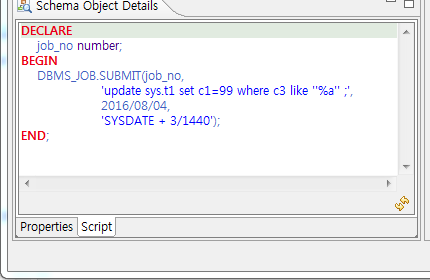
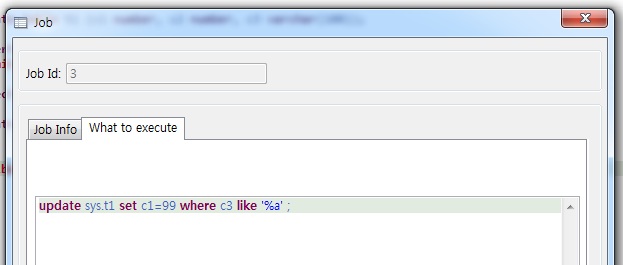
- Schema Object Details Script : Enclosed with two single quotes →
where c3 like ‘’a%’’ - What to execute script on JOB Edit screen : Enclosed with one single quote →
where c3 like ‘a%’
When Saving an Existing JOB
If you press the OK button without any modifications, it saves normally. In this case, no error occurs.
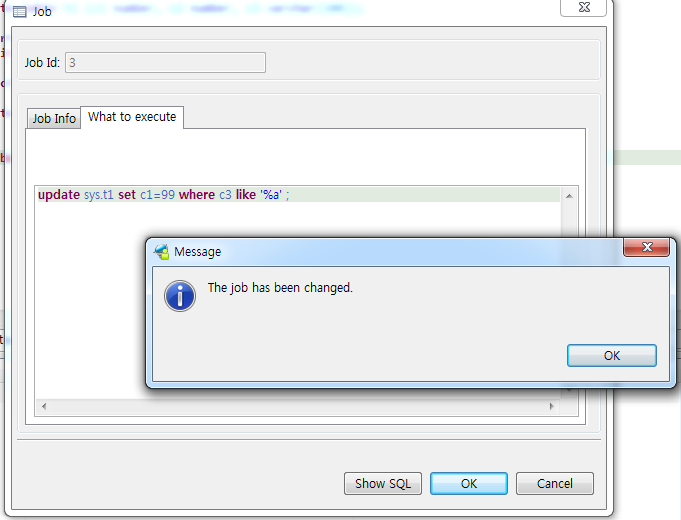
Example of Error Occurring When Modifying JOB
If you add a like condition in What to execute using only one single quote, a JDBC-23004 error occurs.
where c3 like ‘%a’ and c3 like ‘b%’ ;
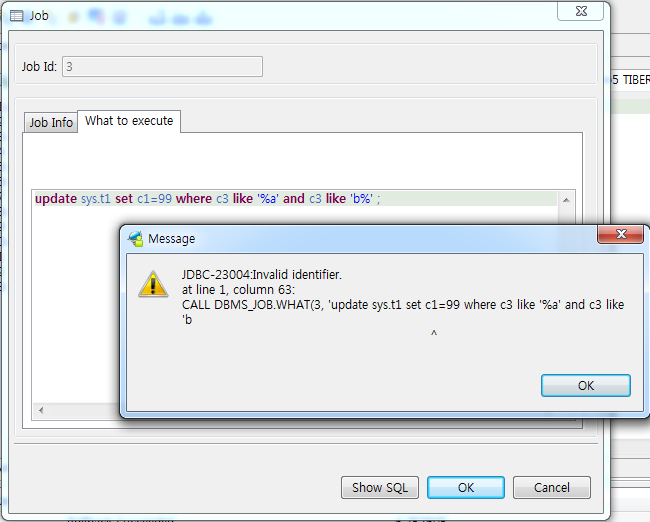
Example of Successful JOB Modification
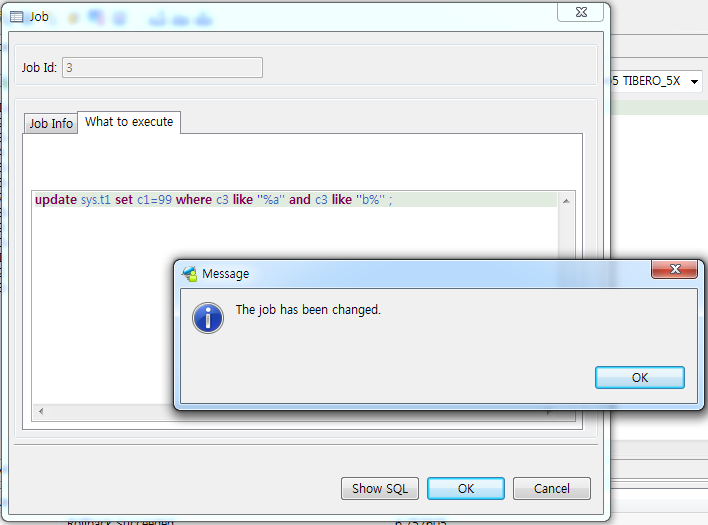
If you write the condition using two single quotes each, it executes successfully without errors.
where c3 like ‘’%a’’ and c3 like ‘‘b%’’ ;